
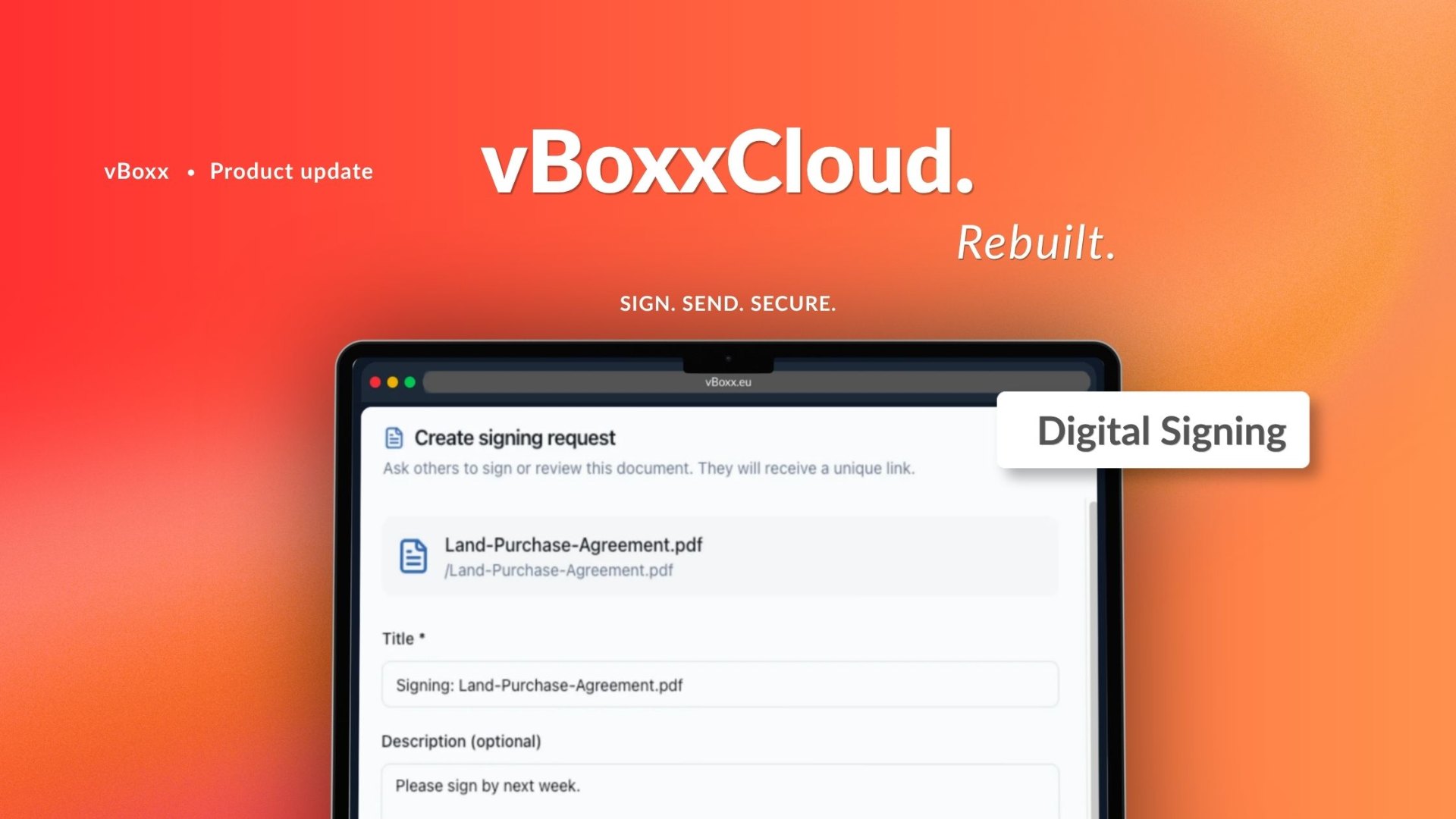
For many businesses, document signing is still a fragmented process. Files are created in one system, shared in another, and signed in a third. However, this usually involves manual steps, delays, and compliance risks.
Therefore, we set out to change that. With our latest update, you will be able to manage the entire digital signing process directly within your secure cloud environment.
Sign PDFs Directly in the Cloud
With vBoxxCloud, you sign PDF documents without leaving the platform. You do not need external tools, downloads, or additional steps. In addition, you can choose between:
- Hand-drawn signatures
- Typed signatures using a styled font (Dancing Script)
Whether you need a formal signature or a quick approval, everything is available in one place.
How it works
The process stays simple and structured:
- You upload your document to the cloud
- You select recipients and define signing order, deadlines, or reminders
- You send the document for signature
- You track progress and receive notifications
- You access the signed document instantly
Because of this flow, teams reduce friction and improve turnaround time. As a result, document workflows move significantly faster.
What digital signing in vBoxxCloud actually does
The signing feature allows you to send any PDF stored in vBoxxCloud for legally binding electronic signature directly from the platform. You do not need to export files or create accounts elsewhere.
Instead, the signatory receives an email with a secure link, signs in their browser, and then the signed document returns automatically to vBoxxCloud.
Moreover, the signatures are legally binding under the eIDAS Regulation (EU 910/2014), which defines the legal framework for electronic signatures across the EU and EEA. Therefore, you can sign and store contracts, NDAs, and service agreements in vBoxxCloud with full legal validity in EU member states.
Multi-Signer Workflows with Full Control
Many documents require more than one signature. Therefore, vBoxxCloud supports multiple signers with sequential order. You can:
- Define signing order via drag & drop
- Assign roles (Signer or Viewer)
- Place signature fields per page per signer
Complex approval chains become structured and easy to manage. Moreover, every participant clearly sees when it is their turn, which reduces confusion and delays.
Automatic Reminders That Keep Processes Moving
Delayed signatures often slow down entire workflows. However, vBoxxCloud solves this with built-in automation. You can:
- Send up to 3 reminders per signer
- Configure reminder intervals
- Maintain automated follow-ups
As a result, documents do not get stuck due to missed actions.
Full Control Over Signing Processes
Sometimes workflows change. Therefore, vBoxxCloud gives you full control at every stage. You can:
- Cancel signing requests at any time
- Update participants when needed
- Track all changes transparently
Every action remains visible in the system, which improves accountability.
Audit Trail and Legal Transparency
Every signing workflow in vBoxxCloud generates a complete, tamper-evident audit trail. This includes:
- IP tracking for every action
- Timestamped events
- Exportable audit PDF
Because of this, you always maintain a complete record of who did what and when. Furthermore, for legal, compliance, and finance teams, the audit trail turns vBoxxCloud into a system of record — not just a storage tool.
Who uses Digital Signing and how
- Legal & compliance — NDAs, engagement letters, court filings, signed, stored and auditable in one place.
- Sales & contracts — Service agreements and proposals signed faster, with automatic follow-up on unsigned requests.
- Construction & engineering — Project sign-offs, subcontractor agreements and compliance documentation signed on-site or remotely.
- Healthcare — Patient consent forms, supplier contracts and internal policies, GDPR-compliant and audit-ready.
- Education — Staff contracts, partnership agreements and grant applications signed without printing a single page.
- HR & operations — Employment contracts, policy acknowledgements and supplier onboarding, handled end-to-end in vBoxxCloud.
Security and compliance
Security is built into every layer of vBoxxCloud. All data is processed and stored exclusively in ISO 27001-certified data centres in the Netherlands. Moreover, no signing data leaves the EU at any point. Therefore, vBoxxCloud remains:
- GDPR-compliant
- eIDAS-compliant
- Secure by design
In addition, signatures meet the requirements for Advanced Electronic Signatures (AdES) under eIDAS. If organizations require Qualified Electronic Signatures (QES), vBoxxCloud integrates with qualified trust service providers.
What's next
Digital Signing in vBoxxCloud is only one part of a broader platform evolution. Moreover, we continue to release new features that improve collaboration, automation, and secure data handling. So, stay tuned.