

Photos
Photos in vBoxxCloud
View, edit and present your photos right in vBoxxCloud. Crop, rotate and adjust them in the browser, and play a folder as a slideshow.
- Edit photos in the browser
- Save edits as a new file
- Present a folder as a slideshow
cloud.vboxx.eu
Search...⌘ K
12
Storage: My Files
My Files / Photos Upload Select Deleted
Filter in current folder...
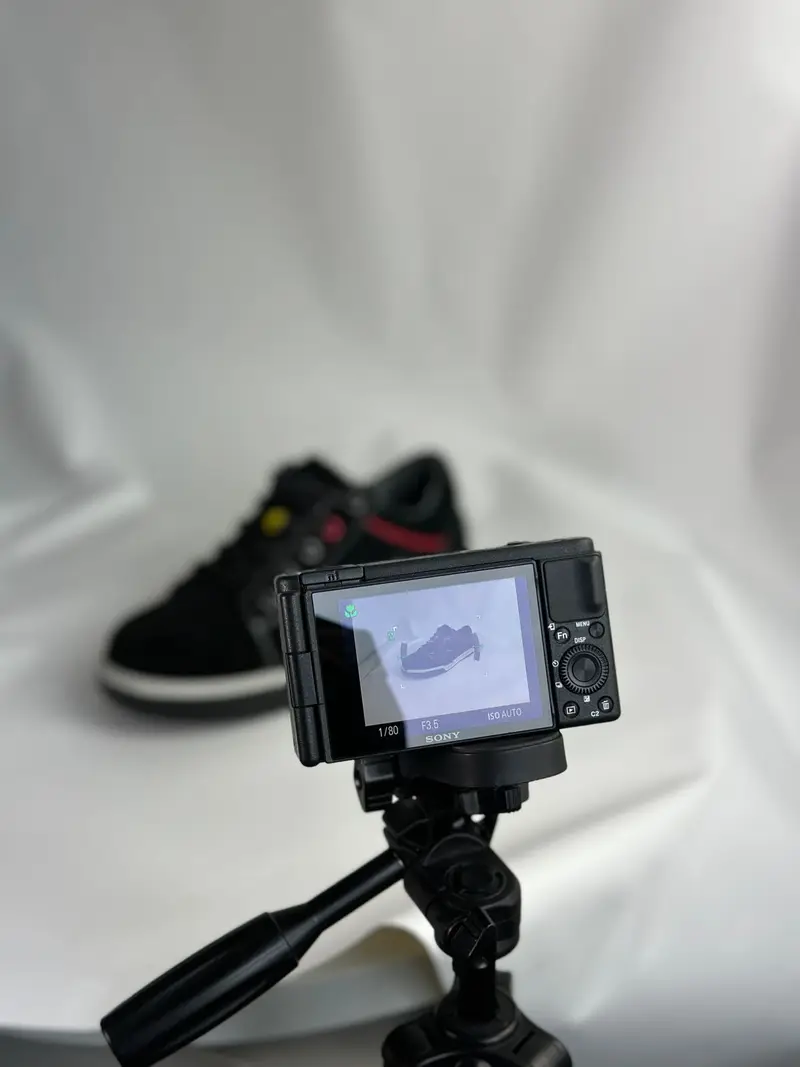
Sneaker campaign.jpg

Bakery shoot.jpg
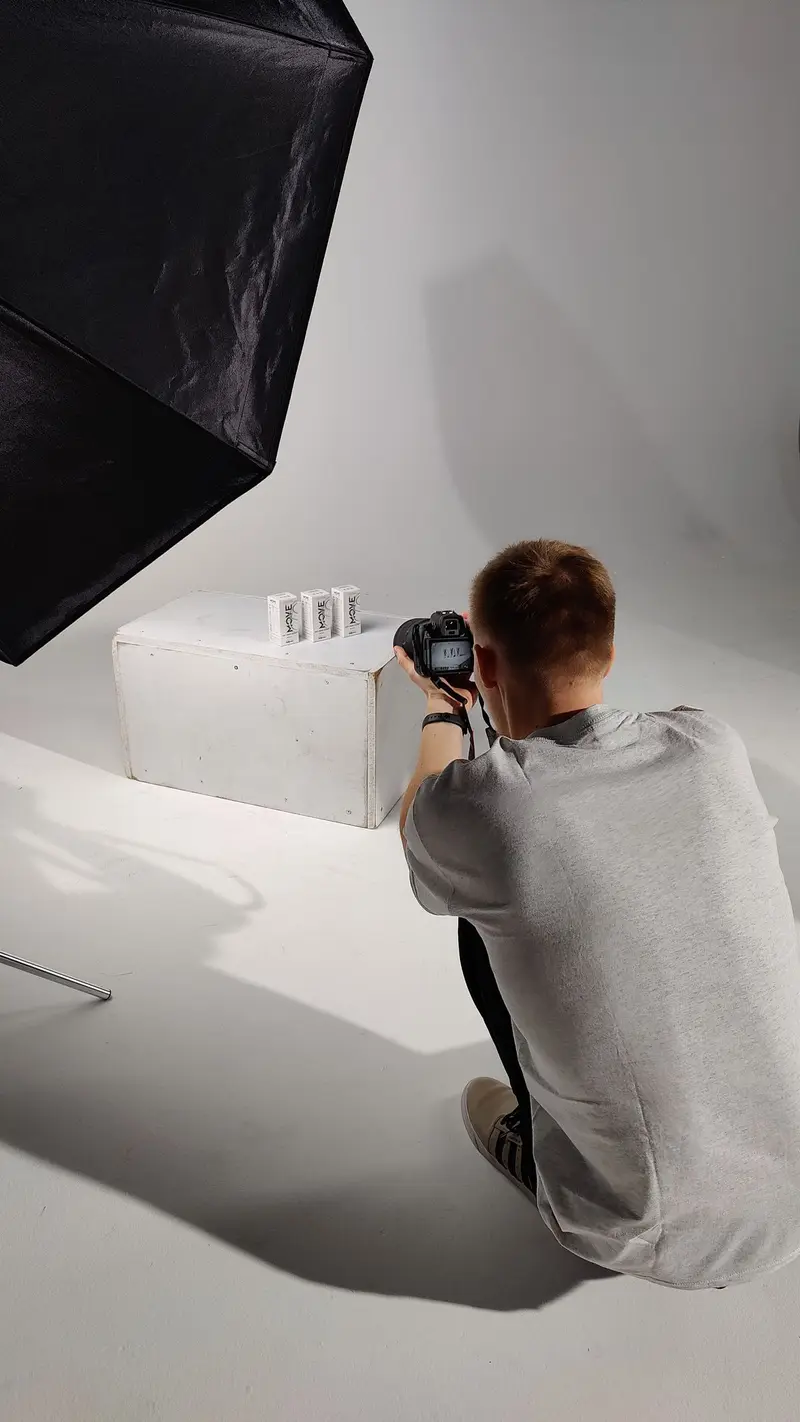
Product shoot.jpg

Studio setup.jpg
Sneaker campaign.jpg
Bakery shoot.jpg
Product shoot.jpg
Studio setup.jpg
Sneaker campaign.jpg
Sneaker campaign.jpgPhoto Editor
Transform
Adjustments
Brightness100%
Contrast100%
Saturation100%
Reset
Download
Save as new file
Saved as Sneaker campaign (edited).jpg
Edit photos in the browser
Open a photo and choose Edit photo. No separate image software needed.
- Rotate, flip and crop
- Adjust brightness, contrast and saturation
- Reset all changes with one click
Your original stays untouched
Save your edit as a new file next to the original, or download the edited photo straight away.
- Save as new file
- Download the edited version
- The original photo is kept as it was
Present a folder as a slideshow
Start a presentation from any folder and show all its photos full screen, one after another.
- Full screen with one click
- Auto-play through all photos
- Download any photo during the show
Slideshow
Show your photos, hands-free
Open a folder, choose Presentation from the menu and let vBoxxCloud play the photos for you, for example in a client meeting or on a screen at an event.
- Your pace: choose 3, 5, 8, 10, 15 or 20 seconds per photo.
- Auto-play: start and pause the show at any time.
- Keyboard shortcuts: arrow keys to navigate, F for full screen, P for auto-play and Esc to close.
cloud.vboxx.eu
Search...⌘ K
12
Storage: My Files
My Files / Photos Upload Select Deleted
Filter in current folder...
Sneaker campaign.jpg1 / 4
Auto-play
3s5s8s10s15s20s
← → Navigate · F Fullscreen · P Auto-play · Esc CloseKeep exploring