

What is included
- Included with
- Every vBoxx plan, automatically
- What you get
- eM Client for Windows and Mac
- vBoxxCloud
- Native integration for attachments as links
- Works best with
- vBoxxConnect business email
- vBoxxCloud
- Your files. eM Client shares attachments from vBoxxCloud as links with an expiry date.
- vBoxxConnect
- Your business mailbox, calendar and contacts, plus email usage reports in eM Client.
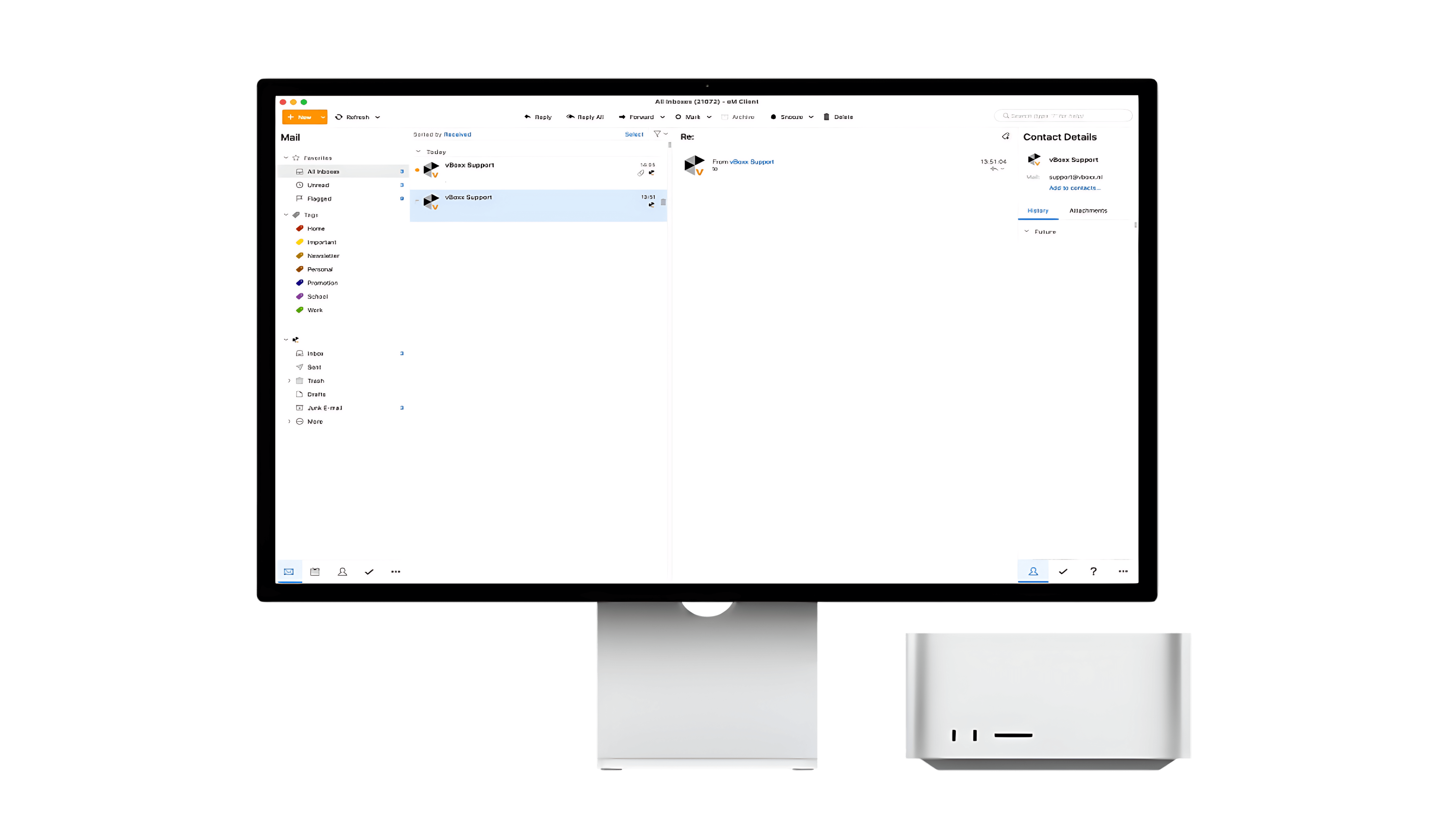
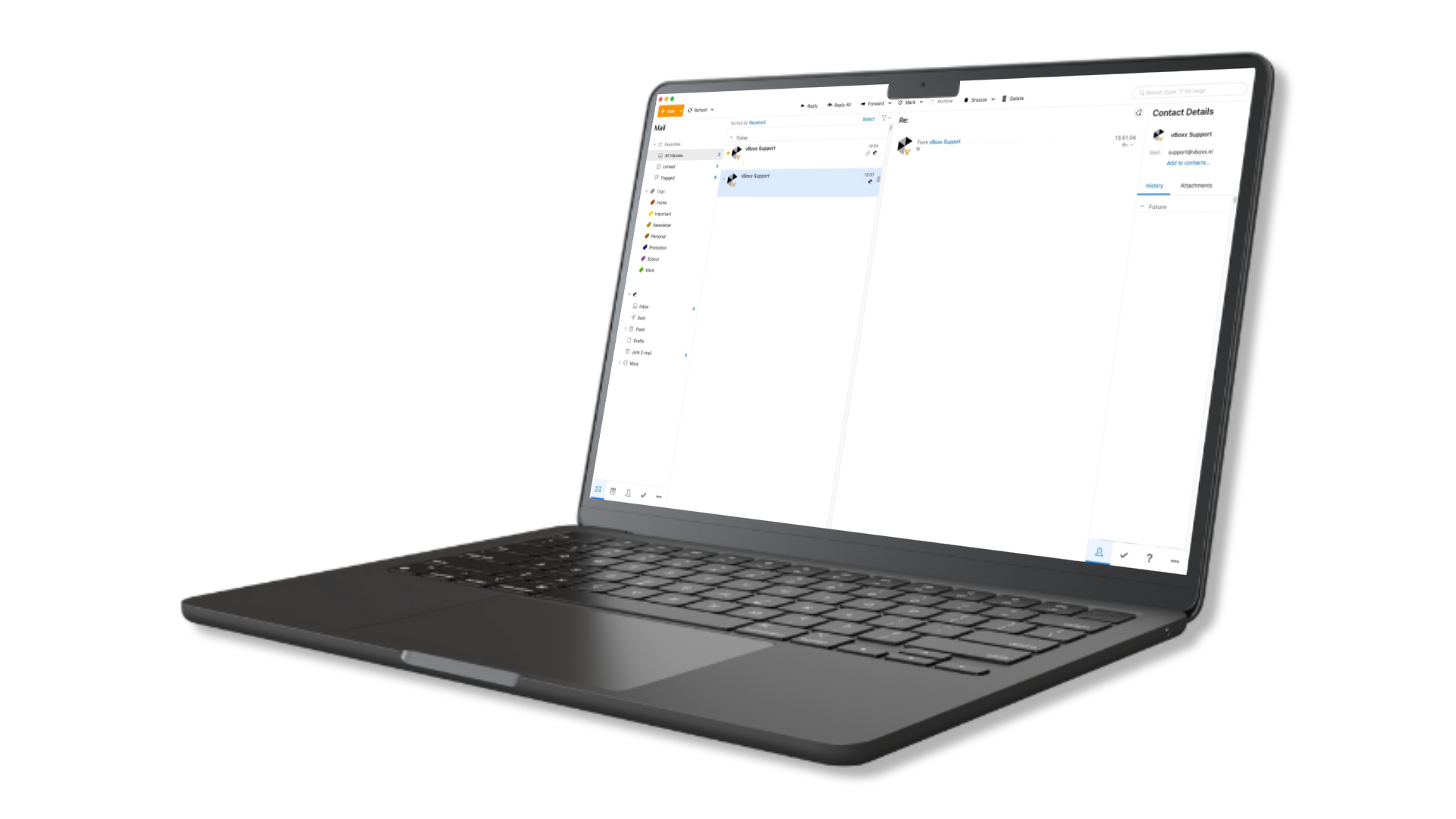
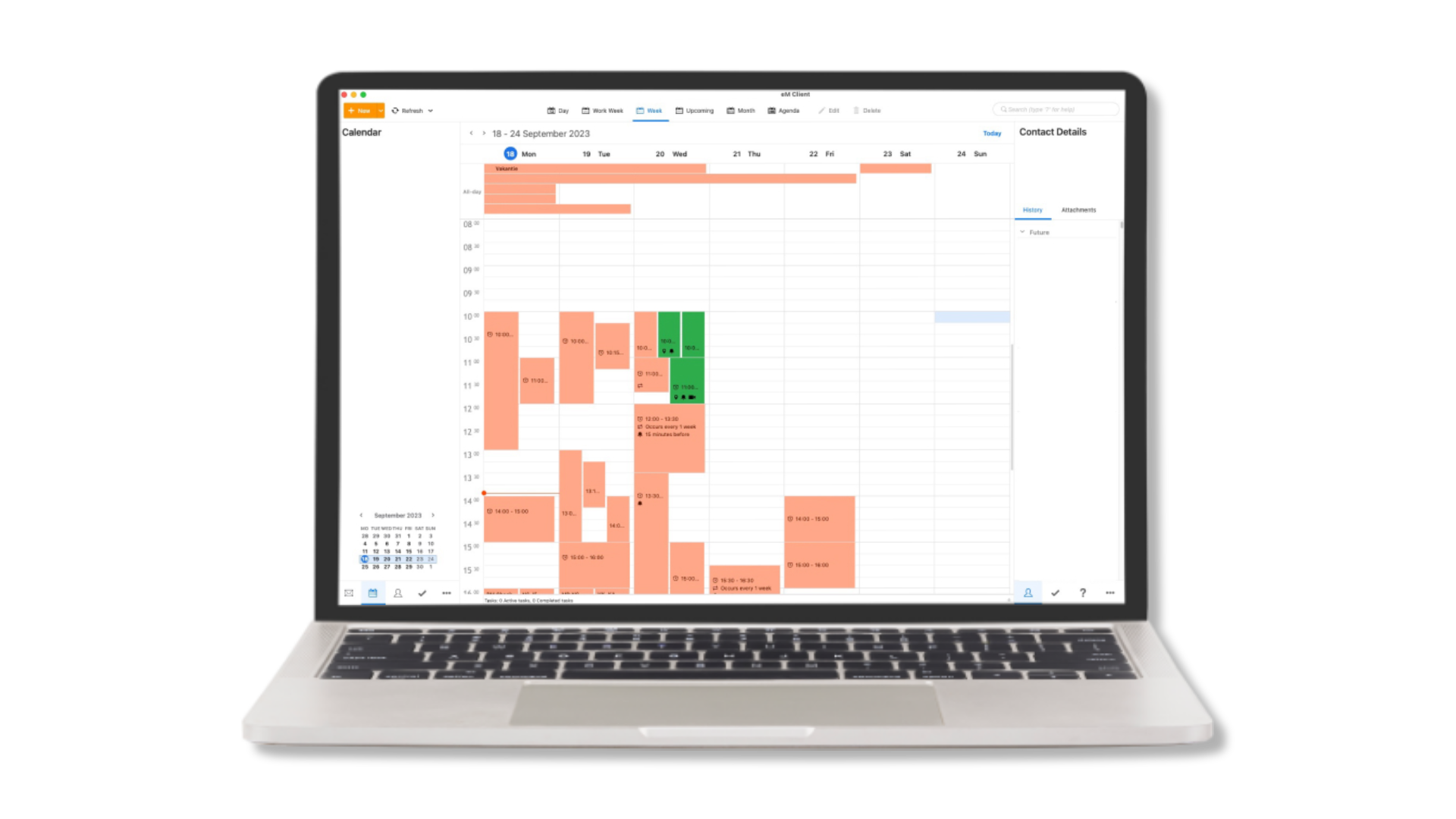
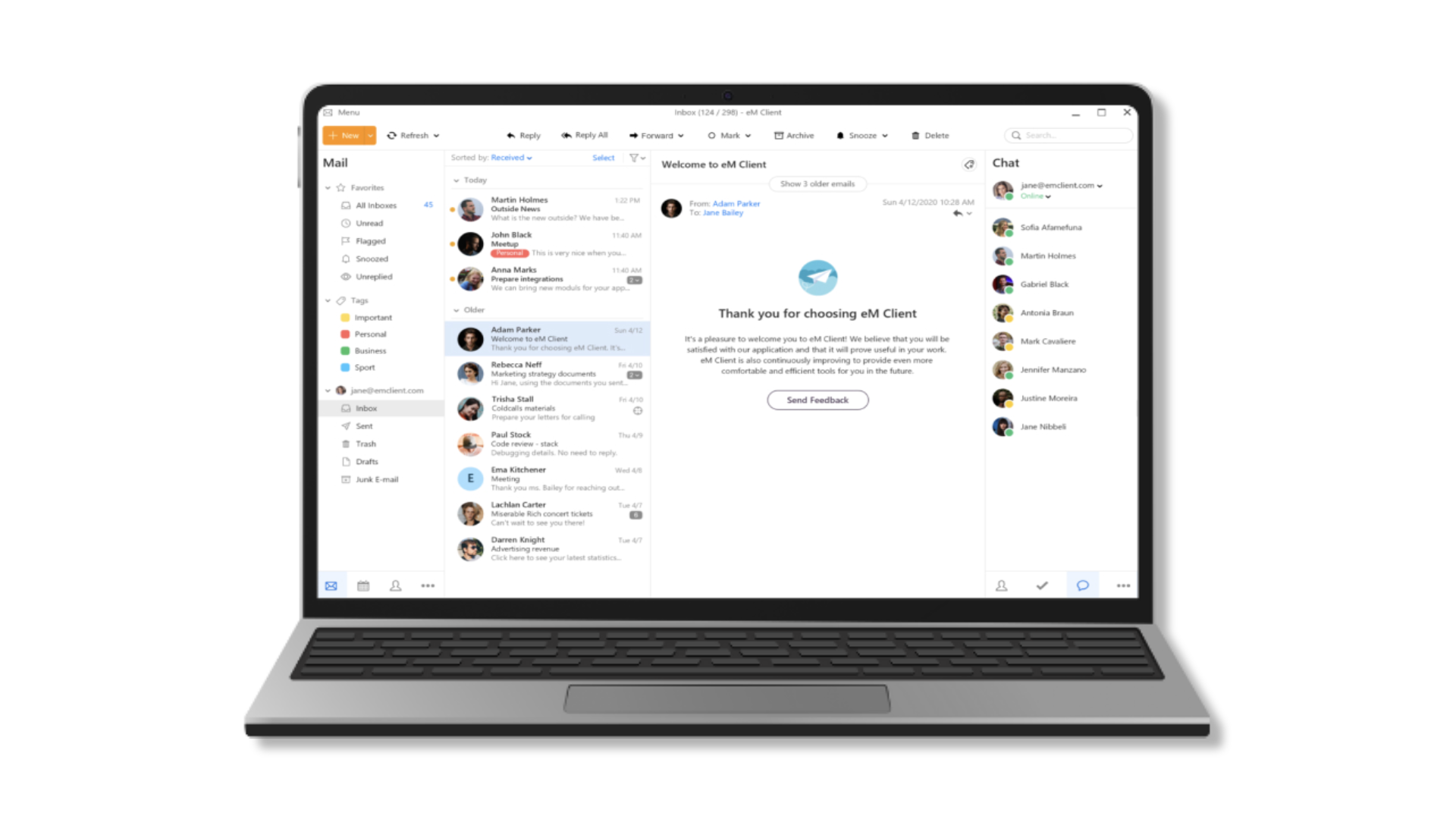
See eM Client in action
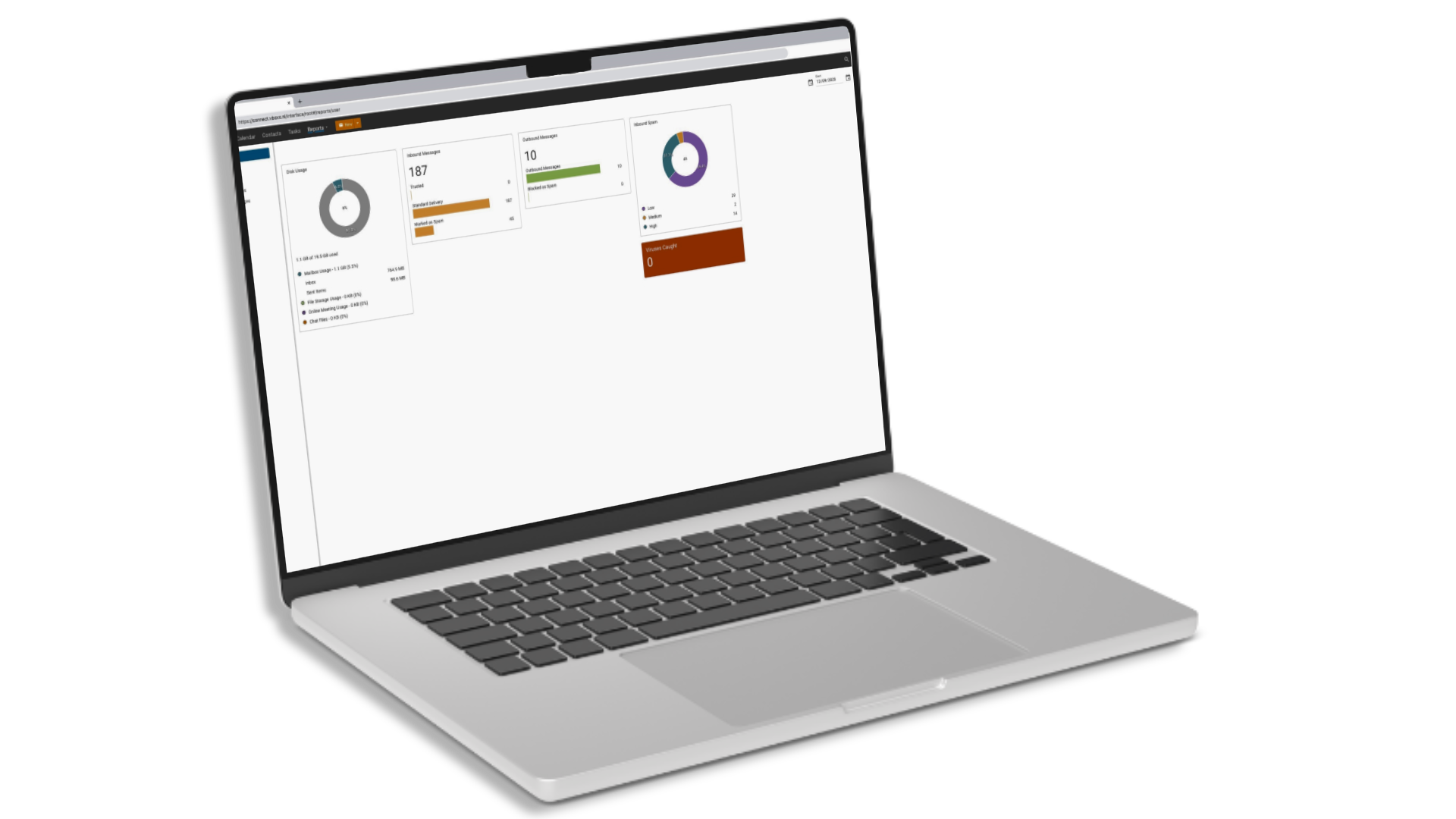
Real screenshots of eM Client. Choose a view to see how your team works with email, calendars, chat and reports.
How eM Client works with vBoxxCloud
The native integration keeps large files out of mailboxes while recipients still receive them as normal attachments.
Attach a file from vBoxxCloud
Use vBoxxCloud directly from eM Client and pick the file you want to send, whatever its size.
Send it as a secure link
The attachment is shared as a vBoxxCloud link, so your local mailbox and the recipient's stay light.
Set an expiry date
Choose how long the link stays valid, so your company keeps control over shared files.
eM Client as an Outlook alternative for business email
eM Client brings the essential tools for a busy workday together. Your company does not need to source a separate mail client, and teams can work with the email services they already use.
- Broad service support
POP3, IMAP, SMTP, Exchange, Microsoft 365, Gmail, iCloud and more.
- Email
Encryption, translation and anti-mail tracking built in.
- Calendar and tasks
Plan your work with calendars and tasks that sync smoothly.
- Contacts and notes
Keep important business information organised in one place.
- Chat and online meetings
Chat with colleagues and add video calls to your schedule.
- Reports
Monitor email usage together with vBoxxConnect.
eM Client FAQ
Is eM Client included with vBoxxCloud?
How does the eM Client integration with vBoxxCloud work?
Which email services does eM Client support?
What is the difference between vBoxxCloud and vBoxxConnect in eM Client?
Still have a question? Get in touch
More apps and integrations
Cryptomator encrypted vaults
Encrypt files on your device before they reach vBoxxCloud.
Read moreONLYOFFICE document editing
Edit documents, spreadsheets and presentations together in vBoxxCloud.
Read moreAll apps and integrations
See every tool that works with vBoxxCloud and what is included.
View the overview