
Alan AI assistant
Ask questions about your files, summarise documents, folders and emails, and let AI suggest tags to keep everything organised.
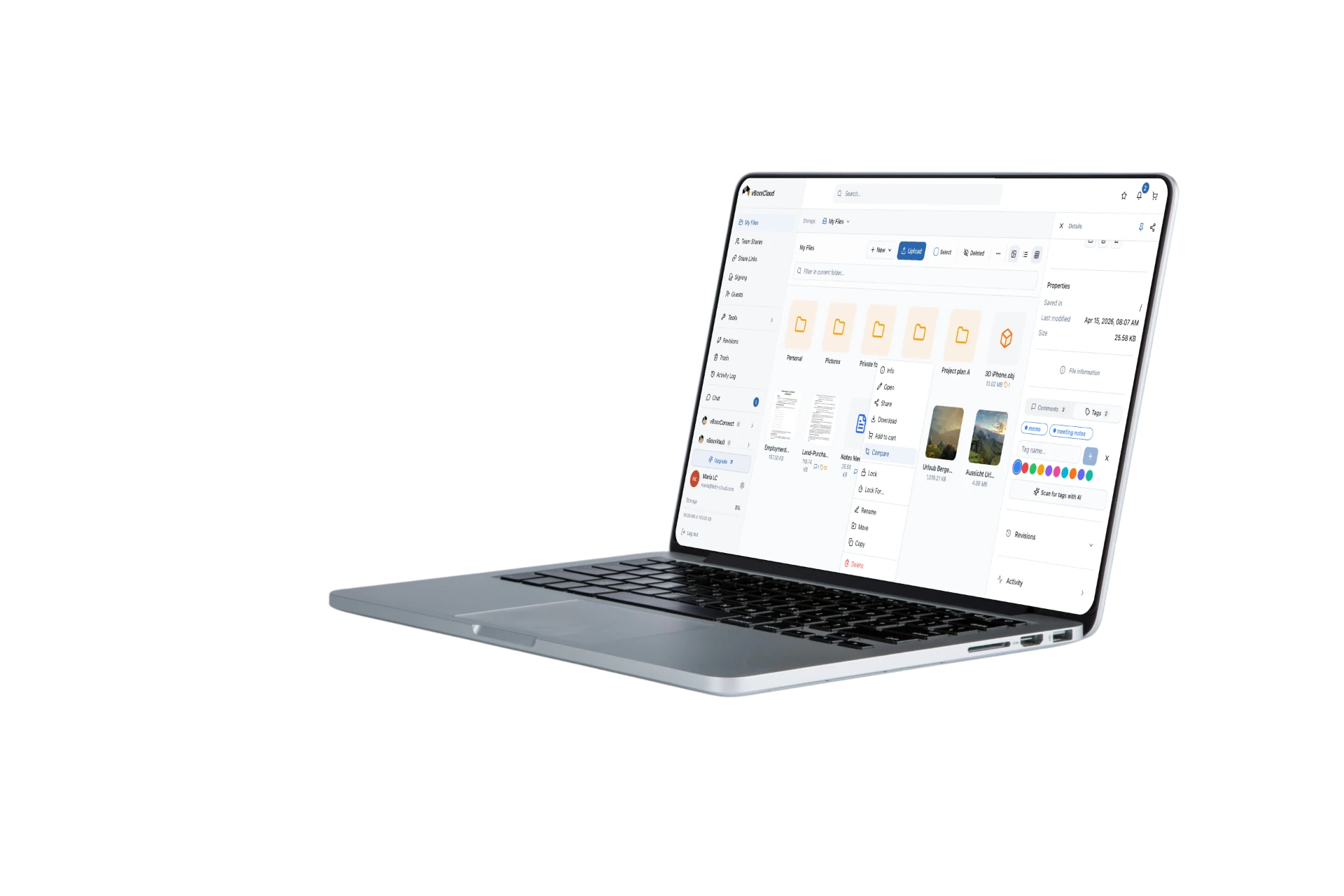
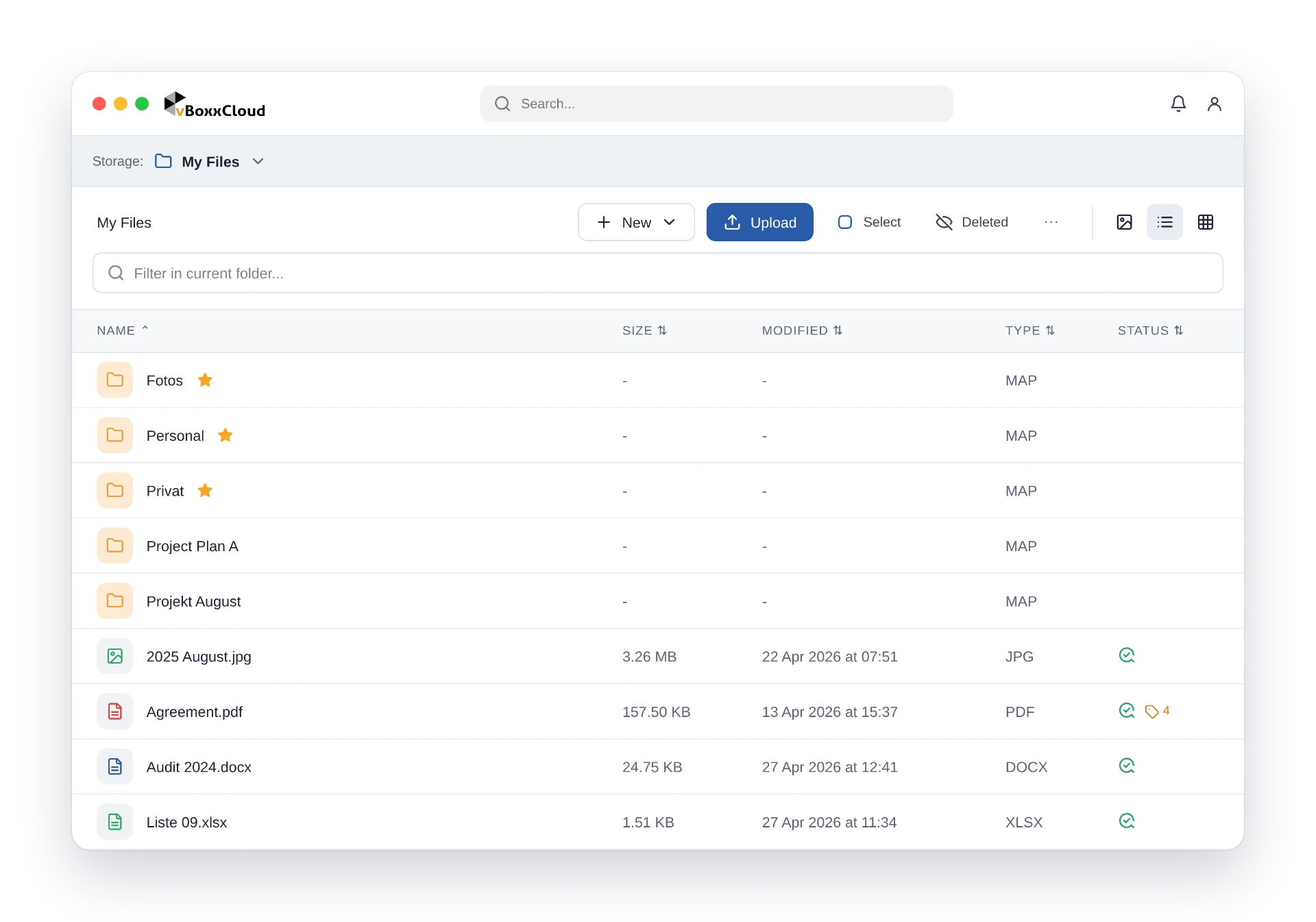
Files where you need them, with versioning, offline support and migration tools.
Stop emailing PDFs around. Share, sign and chat in the same secure place.
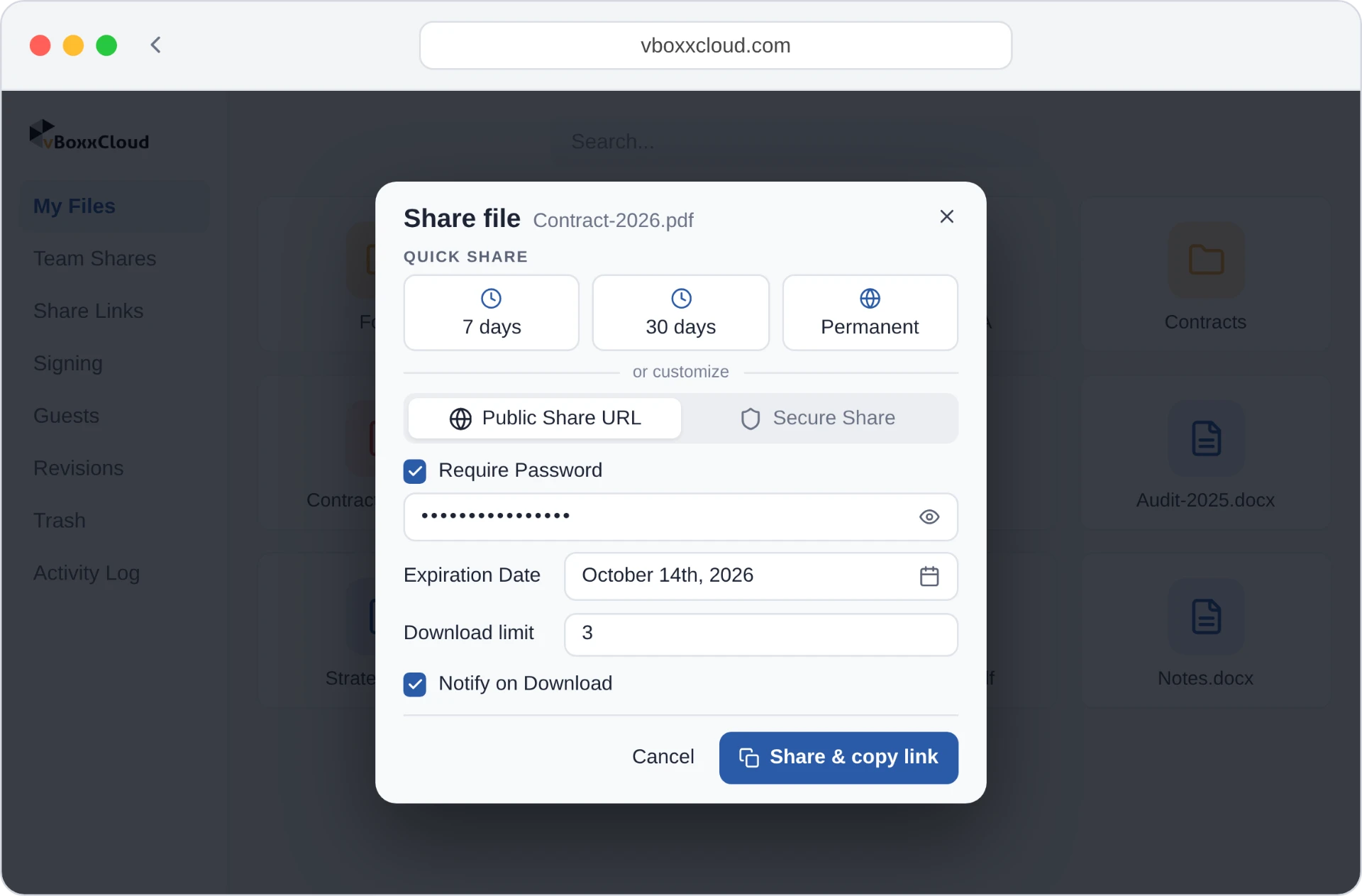
Passwords, expiry dates, download limits, revocable at any time.
Explore secure sharing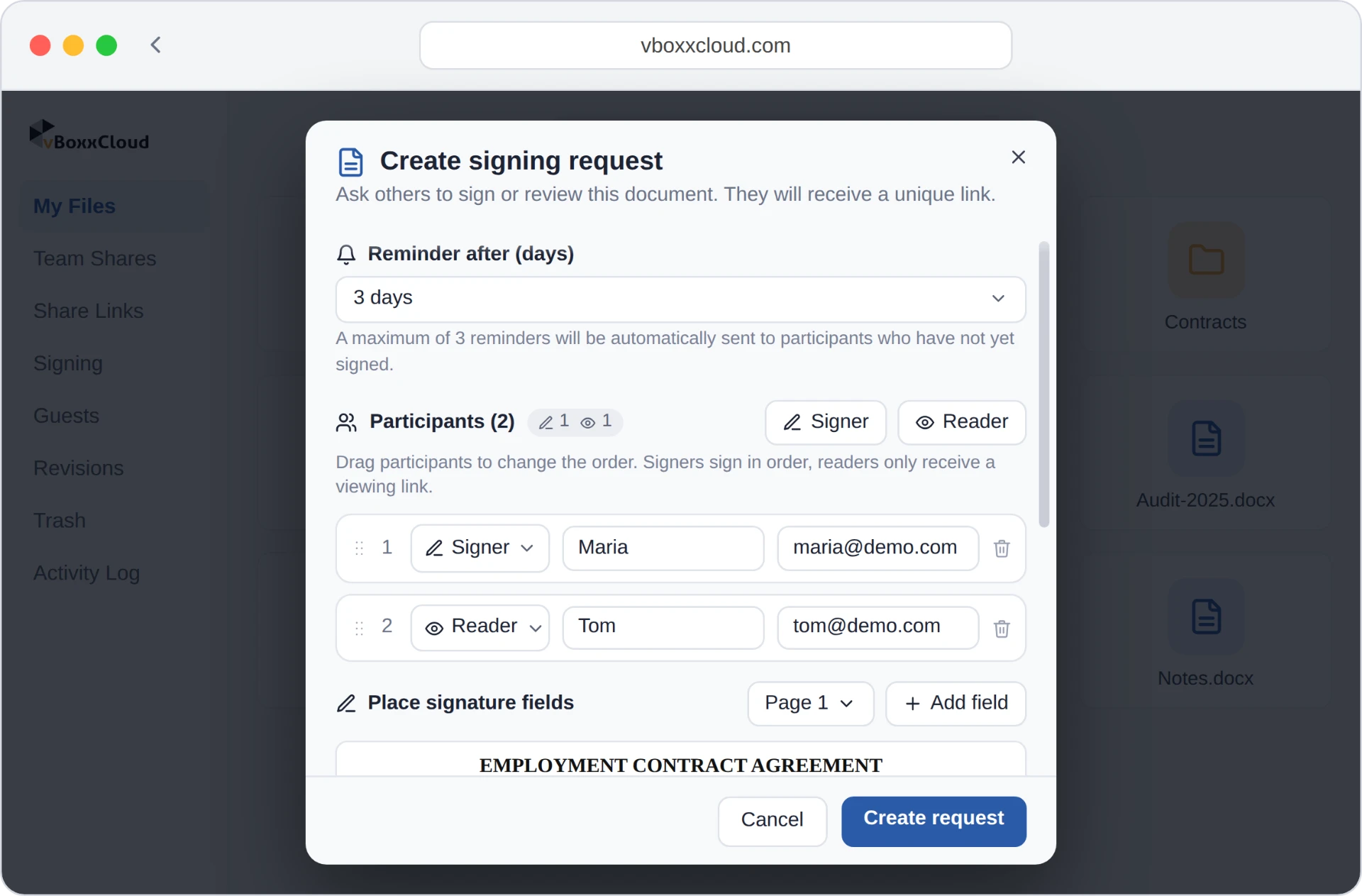
eIDAS-compliant signing on PDFs, with a complete audit trail.
Explore eIDAS-compliant signing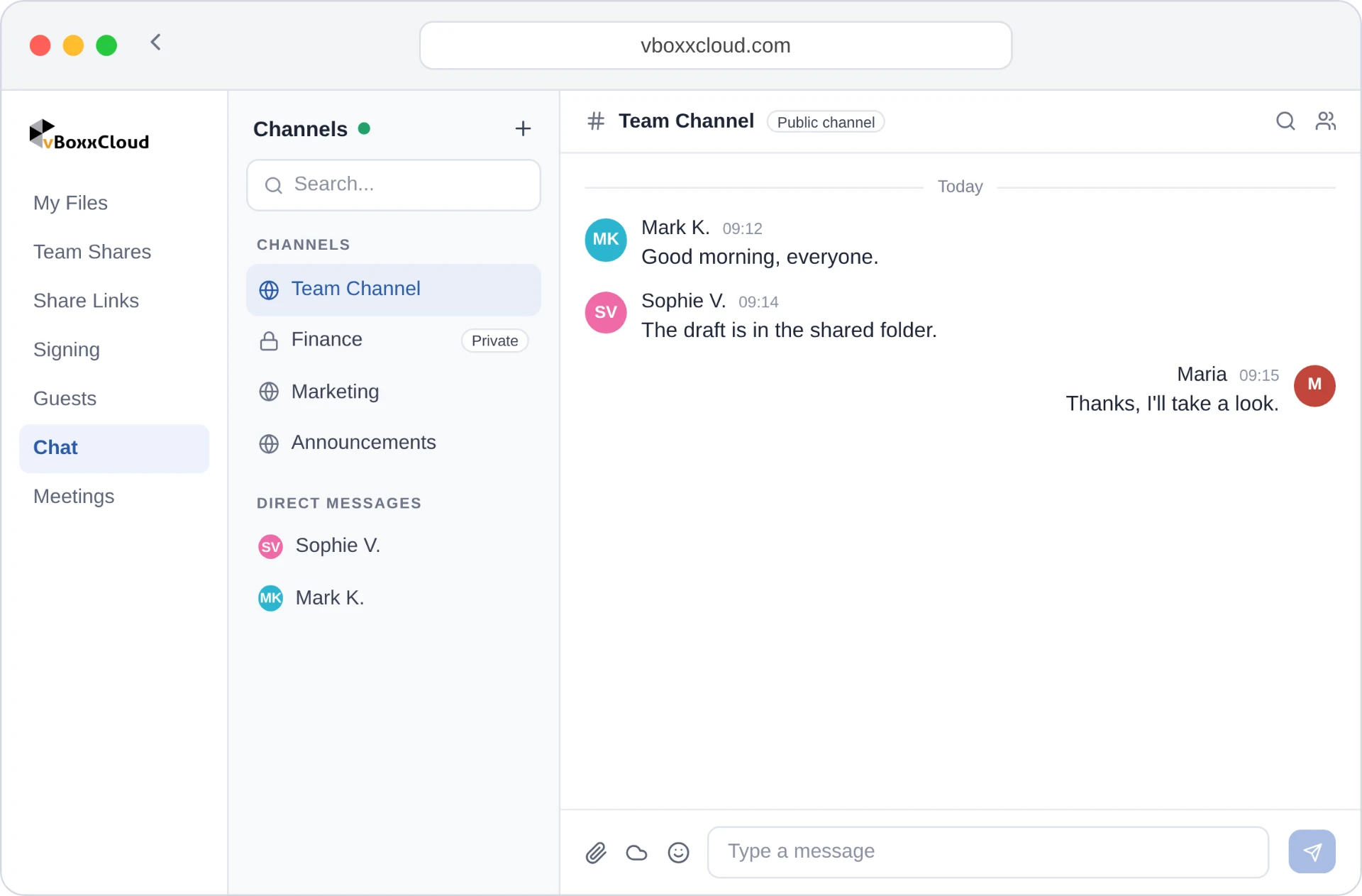
Files are encrypted on your device before they leave it, and only you hold the key.
Files are encrypted on your device before they reach the cloud. Only you hold the key.
Search, automate and find anything across your workspace.
Ask questions about your files, summarise documents, folders and emails, and let AI suggest tags to keep everything organised.
Search inside the text of your documents, including scans, and see the matching phrase highlighted.
Label files with colour-coded tags and see at a glance which ones you use most.
Edit documents together in real time, see who is working where, and discuss changes in comments.
Explore the other features in vBoxxCloud, grouped like the Product menu.
Each feature has its own page with an interactive demo you can try right in your browser.